
Your photos, your folders,
your Mac.
A fast, local-first photo browser for macOS. The Apple Photos feel — over your own folders and backup drives. No library lock-in, no cloud.
⬇︎ Download for Mac Free · ALPHA · macOS 15+ · Apple Silicon & Intel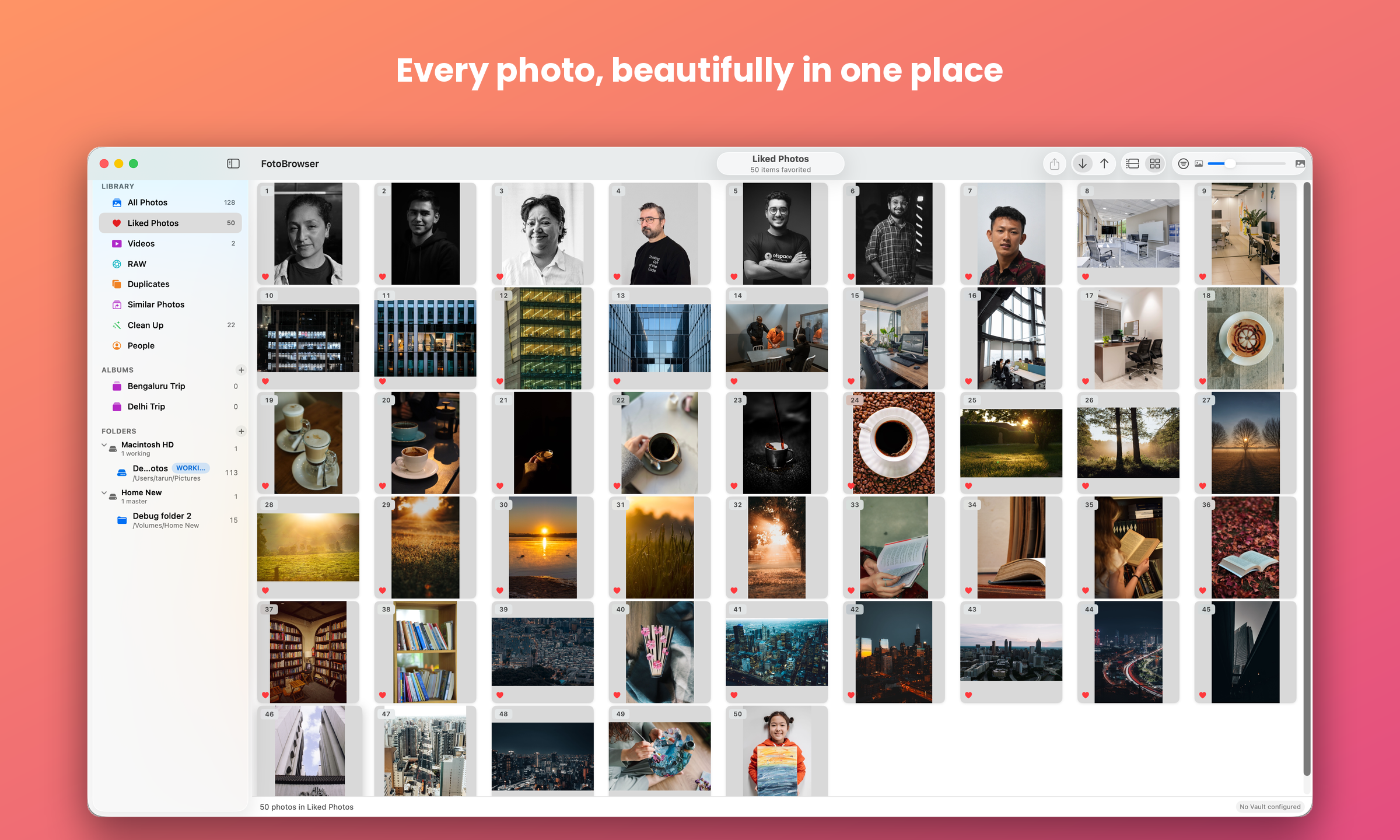
See it in action
Why FotoBrowser?
Apple Photos keeps everything inside a single .photoslibrary bundle. Move it the wrong way or point it at an external drive and it can break — and then your realistic option is to buy more expensive Apple storage to keep things "safe." Your photos are effectively held hostage by the app.
FotoBrowser does the opposite. Your photos stay as ordinary files in ordinary folders on whatever drives you like. You get an Apple-Photos-style timeline, built around how people actually back up — working disks, master drives, and read-only vaults.
What you get
🖼 Fast timeline
Month/year sections, lazy thumbnails, smooth on tens of thousands of photos. A Timeline / Flat toggle flips any grid to a flat, edge-to-edge layout, remembered per view.
🗂 Your folders
Watch any folders on any drives. Files are never moved without you. Rescan Folders (⌥⌘R) picks up anything added while the app was open.
💾 Drive roles
Internal, Master, and read-only Vault drives that are never modified.
🔌 Offline-aware
Disconnected drives show placeholders; full-res from a connected copy when available.
📱 Import from iPhone
Copy-only over USB, with a smart “new since last import” date.
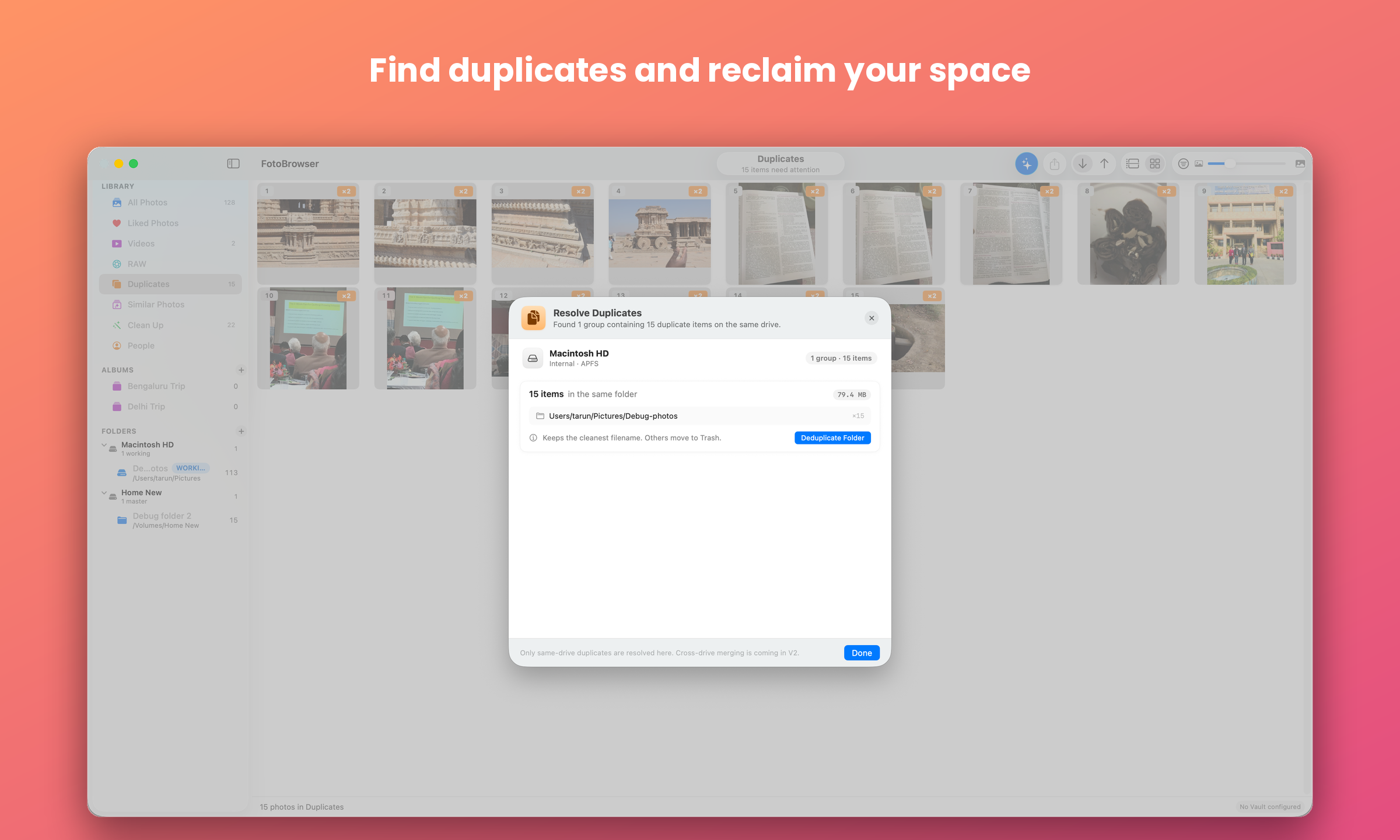
🧬 Duplicates
Detected by content across all folders, with safe bulk resolve and Reclaim Space.
🔎 Find Similar Photos
Perceptual near-duplicate detection: groups burst shots and re-takes with on-device Vision, scores each for quality, and gives a fast keep/trash review with full-screen compare.
📍 Places
Reads EXIF GPS and shows where each photo was taken — city, region, country — resolved from a bundled offline database. No network needed.
🧑🤝🧑 People
Automatically clusters faces on-device. Name a cluster to filter your grid by person; merge, dismiss, or remove tools correct clustering mistakes, and corrections stick.
🪄 Clean Up
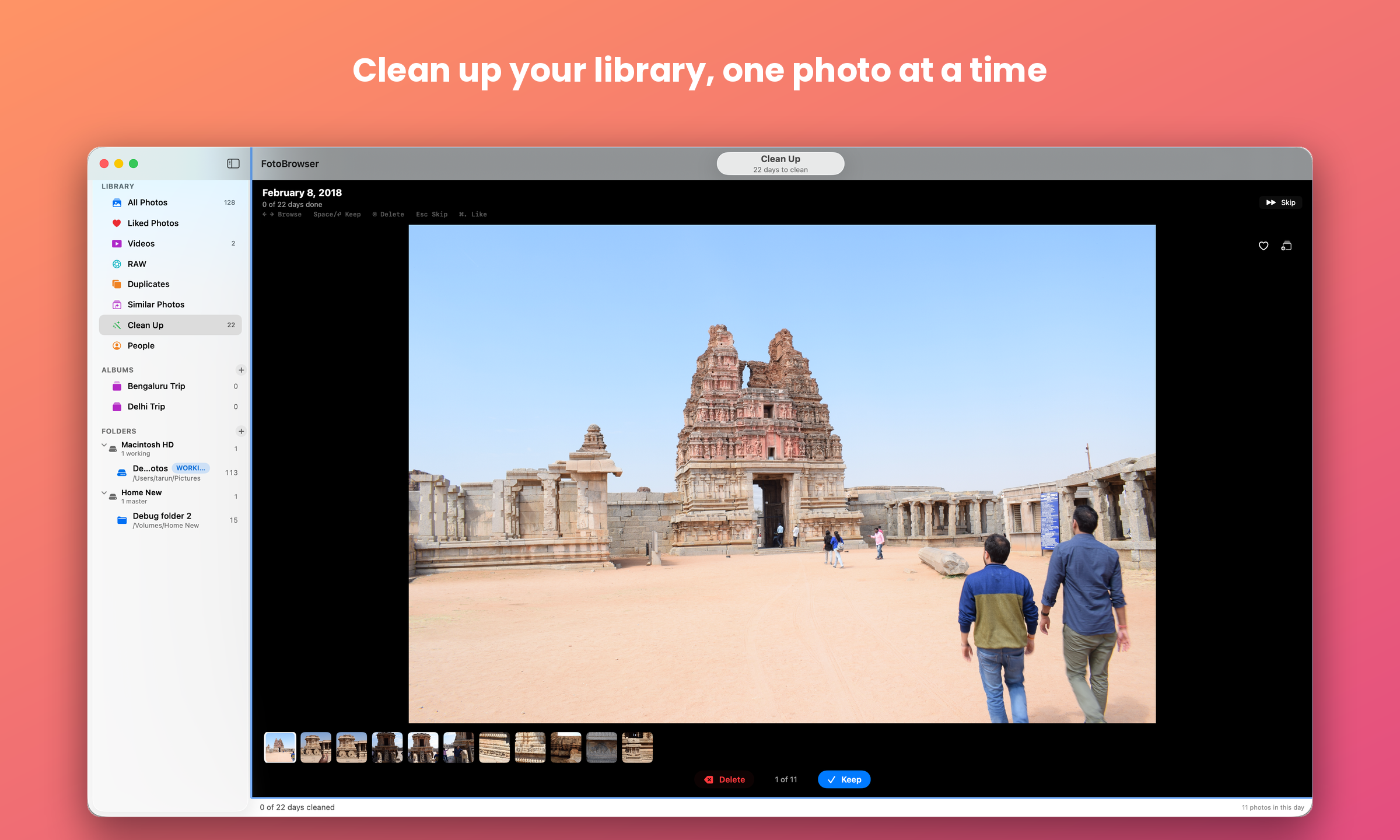
A focused review flow: Keep/Delete one day (or GPS-detected trip) at a time, with Like and Add-to-Album built in.
🏙 Set Location
No GPS on a photo? Type a city name and FotoBrowser embeds it directly into the original file — rewriting only the metadata, so the picture itself is copied across untouched. Tagging thousands runs in the background with progress and a Stop button.
🕰 Set Date/Time
A scan, screenshot, or wrong-clock photo with no capture time? Right-click ▸ Set Date/Time writes a corrected date straight into the file's EXIF — just like Set Location does for GPS. Multi-select to stamp one time onto many — and like Set Location, only the metadata is rewritten, never the picture.
📷 RAW & HEIF
Camera RAW files (CR3, CR2, NEF, ARW, RAF, DNG…) and HEIF indexed and shown alongside your JPEGs, using each RAW's embedded preview for fast thumbnails. RAW originals are never re-encoded, so they stay untouched. A dedicated RAW view in the sidebar shows only your camera-RAW files, and Export RAW as JPEG writes a full-resolution, maximum-quality JPEG beside the original with your edits baked in — never overwriting the camera's own JPEG from a RAW+JPEG shoot.
📹 Video
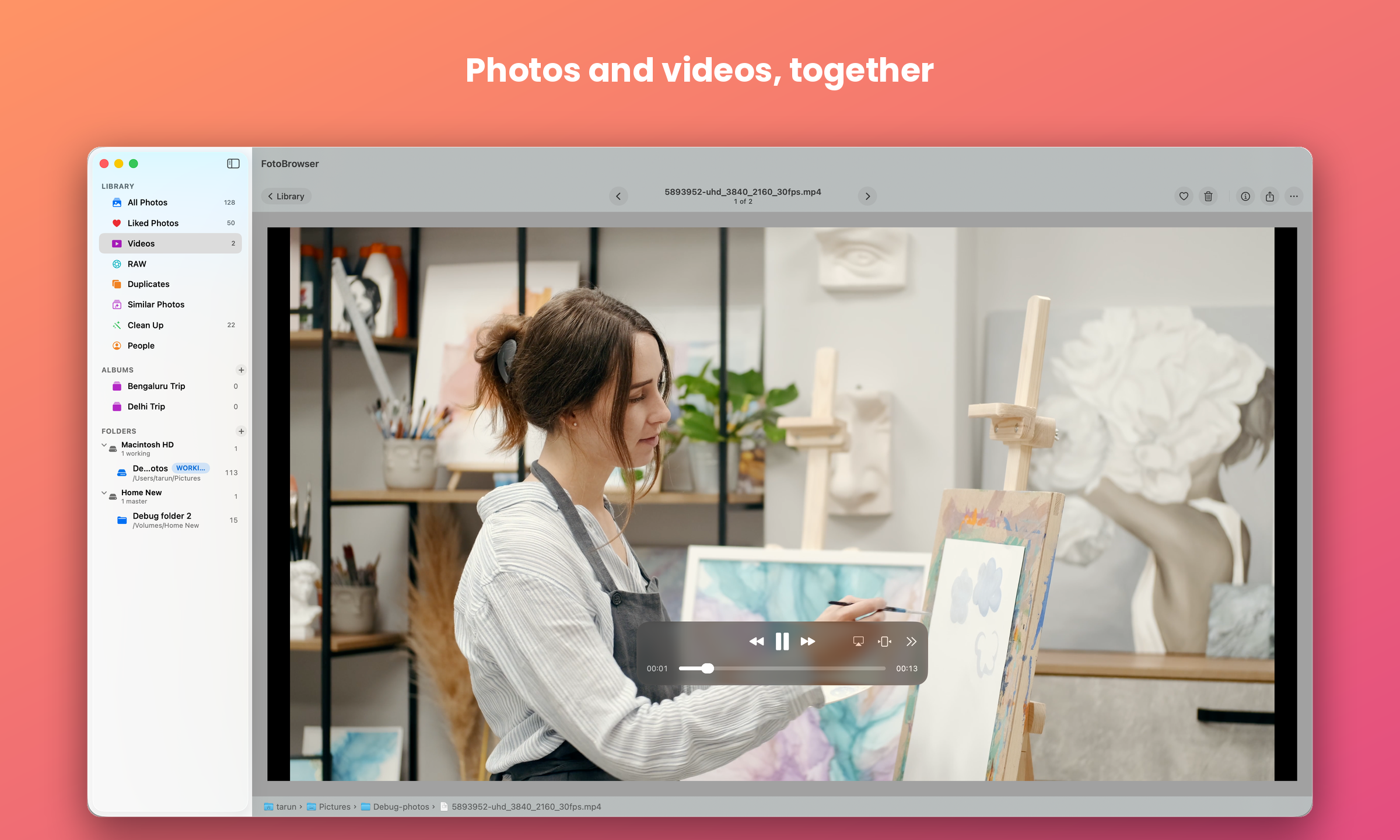
MOV, MP4, and M4V indexed alongside your photos, with floating playback controls that don't dim the video on hover.
❤️ Albums & Likes
Organise into albums and mark favourites; they follow a photo across every copy and drive. Pin your most-used albums to the top, drag to reorder, tuck the rest under More Albums, and search albums by name.
📂 Open from Finder
Right-click a photo in Finder ▸ Open With ▸ FotoBrowser. Already in your library? It opens in the viewer. Outside it? A read-only preview with Print and Add to Library. Going the other way, Open in Preview hands a selection to Apple's Preview.
📤 Share & drag out
Share any selection to AirDrop, Messages, Mail, or Save to Files — edits baked in “as seen.” Drag photos straight into Finder or another app as real files, and drop a Finder folder onto the sidebar to add it.
🖨 Native printing
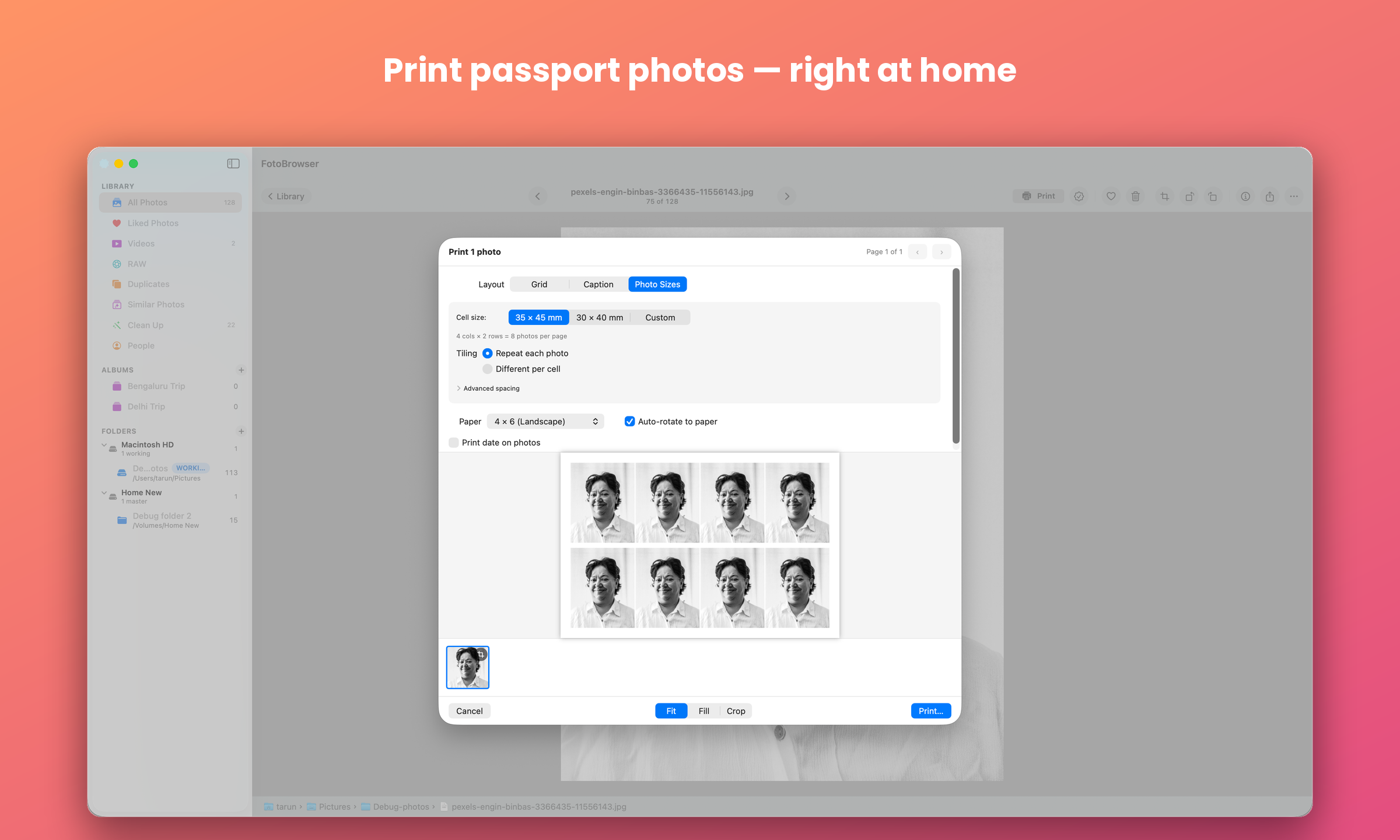
Real photo sizes and tiling, plus 2-up/4-up grid and Caption layouts — each photo framed with a wider white strip below, Polaroid/Instax-style — with auto spacing and an optional date stamp.
⚡ Fast startup
The grid paints almost immediately at launch while indexing and analysis refine in the background, and a Background Activity panel shows exactly what's being scanned and indexed.
✏️ Develop your photos NEW
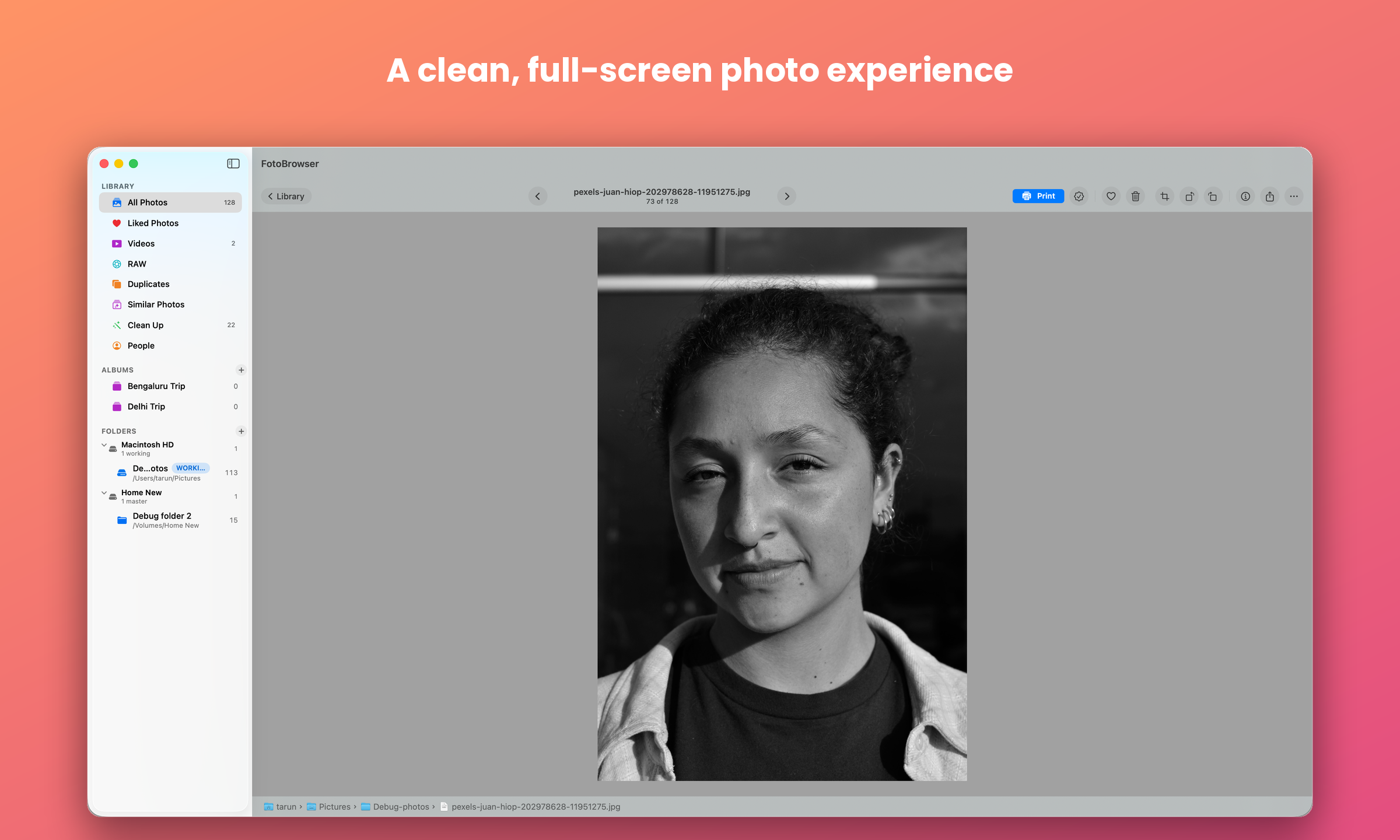
Rotate, crop, and now adjust tone and colour — press A for a panel with three groups: Light (Exposure, Contrast, Clarity and a five-part tone curve), Colour (Temperature, Tint, Saturation, Vibrance) and Black & White. The photo updates as you drag. Nothing touches your original file, and Revert to Original undoes it all at once.
⚫️ Black & white NEW
One switch converts a photo, with a filter effect (Yellow, Orange, Red, Green) deciding which colours come out light and which come out dark, and a toning effect (Sepia, Blue, Purple, Green) for a warm or cool cast over the finished print.
📊 Histogram NEW
⌘I puts a histogram in the Inspector and H floats one over the photo; J paints blown highlights red and crushed shadows blue straight onto the image, so you see where detail was lost. Both follow your edit live while you adjust.
🔍 Zoom in the viewer
Pinch, double-click, or + / − / 0 to zoom into any photo or Live Photo; drag or the arrow keys pan a zoomed shot, and Esc snaps back to fit. Space opens the selected photo and toggles straight back to the grid.
🎬 Live Photos
Shown as photos with native press-and-hold playback that opens instantly — the still appears immediately, never a blank wait. Plus a Newest/Oldest sort toggle and a jump-to-month menu.
📦 Open library from Finder
Database and thumbnails live in one .fblibrary bundle, defaulting to ~/Pictures, that you can move or back up like any other file. Double-click it in Finder — even on an external drive — to open or switch to it (now with a custom document icon), or use Library ▸ Open Library….
🧹 Clean folder removal
Optionally purge a removed folder's orphaned thumbnails and database rows. Shared content and your original files are never touched.
🆙 Update checks
Checks GitHub on launch and shows a banner (with a Download button) when a newer version is ready. Check anytime via Check for Updates… — no auto-updates, nothing new leaves your Mac.
⚡ Instant delete
Moving photos to Trash is zero-latency, and the full-screen viewer stays open and advances to the next photo so you can cull a burst without leaving it. A copy on an unplugged drive is queued and trashed automatically when the drive reconnects — a Pending sheet lets you review or cancel — so a deleted photo never resurfaces on re-scan.
🔒 Privacy-first
Your photos never leave your Mac. Anonymous crash reports and aggregate analytics help improve the app; no file names or personal data are transmitted.
Take a look
Install
- Download FotoBrowser.dmg, open it, and drag FotoBrowser to Applications.
- The alpha isn't notarized yet, so macOS blocks the first launch: open System Settings → Privacy & Security, scroll down, and click Open Anyway next to FotoBrowser, then authenticate. (Or run
xattr -dr com.apple.quarantine /Applications/FotoBrowser.apponce.) - Add a folder of photos (the + in the sidebar) and you're off.